The short version
Toast fits
- Full-service restaurants with a busy kitchen
- Groups with two or more locations
- Teams that run servers on handhelds
- Owners who want payroll, ordering and loyalty from one vendor
Skip Toast if
- You run a small café, coffee shop or food truck
- You will not sign a two- to three-year contract
- You want to reuse iPads or other hardware
- Your concept may not last two years
Toast's features, kitchen tools and handhelds are as strong as any restaurant POS. The trade is a multi-year contract, rates you have to negotiate, add-ons that stack up, and support that users rate lower than reviewers do. If you run full service or more than one location, it belongs on your shortlist. Get the exit cost and rate terms in writing.
Ratings at a glance
| Source | Overall | What stands out |
|---|---|---|
| NerdWallet (Aug 2026) | 4.4 of 5 | Best for full-service and multi-location; cafés and quick service should look at cheaper options |
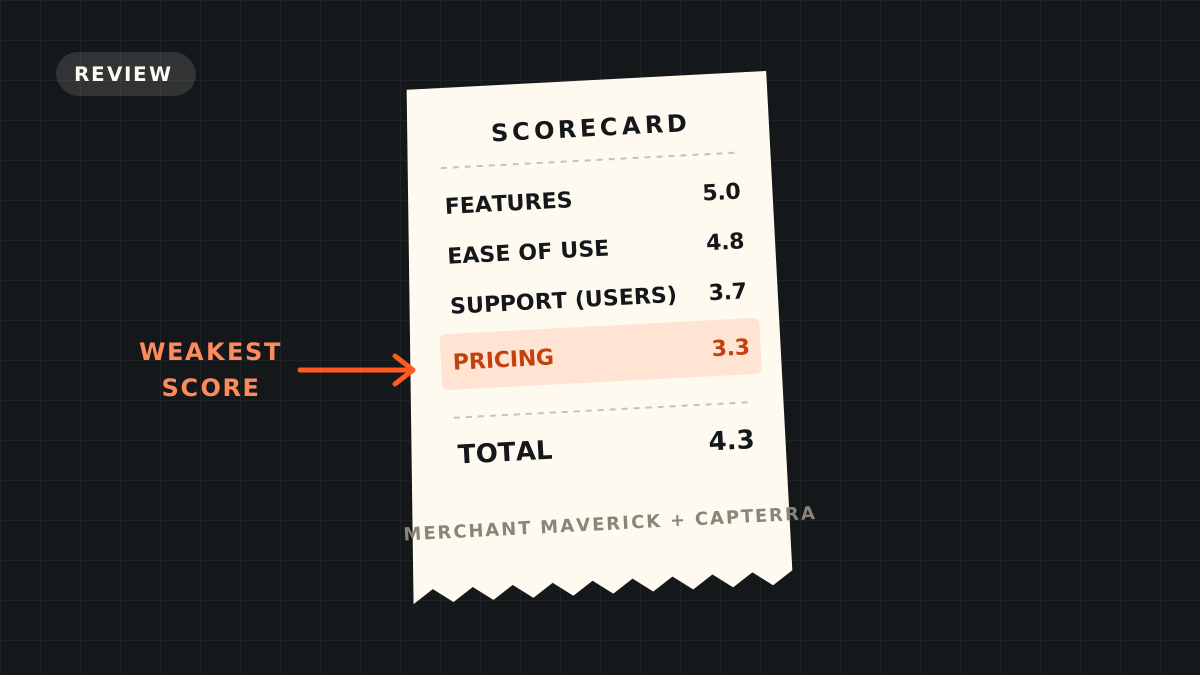
| Merchant Maverick (Jan 2026) | 4.3 of 5 | Features 5.0, ease of use 4.8, customer service 5.0, pricing 3.3 |
| Capterra users (Sep 2026) | 4.1 of 5 from 554 reviews | Ease of use 4.2, customer service 3.7 |
The pattern is clear. Reviewers who test the product rate the features and setup highly. Owners who live with it for years rate support and value lower. Both views are true, and they point at the same thing: the product is strong, and the commercial terms are where people get hurt.
What Toast does well
- Built only for restaurants. Coursing, seat numbers, menu modifiers, kitchen routing, drive-thru, catering and reservations are part of the system. Merchant Maverick scores ordering, kitchen management and niche features 5.0 each.
- Easy for staff. Capterra users most often praise how quickly servers learn it and how easy menu changes are. Merchant Maverick scores everyday use 4.9.
- Handhelds and hardware. The Toast Go 3 handheld is $599, and NerdWallet notes the hardware resists spills and kitchen heat.
- One vendor for the back office. Payroll, scheduling, online ordering, loyalty, gift cards and marketing all come from Toast, so the data stays in one place.
- Multi-location tools. Shared menus, location pricing and group sales reporting. NerdWallet names multi-location groups as a best fit.
- Remote access. Owners can check sales and change menus from the mobile app or web, which Capterra users list as a top benefit.
- Offline mode. Orders and cards keep working when the internet drops.
Where Toast falls short
- Long contracts. Two to three years, renewing for another year on their own. Leaving early costs the remaining software fees plus any processing commitment. This is the most common complaint in Merchant Maverick's user review summary.
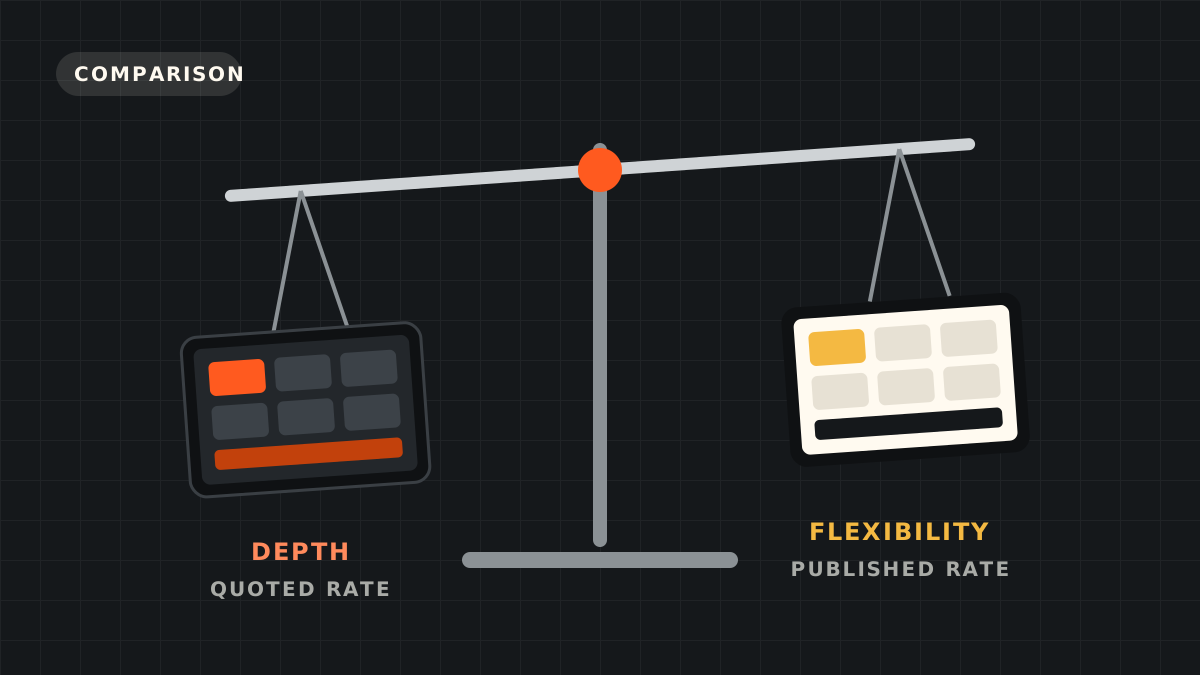
- Rates you cannot see up front, and that can rise. Toast does not publish its rates, and its agreement allows increases with 30 days' notice. It raised rates in 2022 and 2024. Details are in our Toast fees guide.
- Add-ons stack up. Online ordering, loyalty, gift cards, marketing and payroll each cost extra, often $150 to $400 a month together.
- Support quality. Toast offers 24/7 support, but Capterra users rate customer service 3.7 of 5 and most often complain about long waits, scripted answers and repeat troubleshooting. Merchant Maverick notes some long-time customers feel support has slipped.
- Sales pressure. Some users in Merchant Maverick's summary call the sales team pushy, and a few regret hardware financing they agreed to.
- Locked-in hardware and processing. Toast runs only on Toast hardware with Toast processing. The hardware has no use if you leave.
- Setup takes work. Onboarding costs up to $95 an hour, and some Capterra users needed outside help to finish setup.
What Toast costs
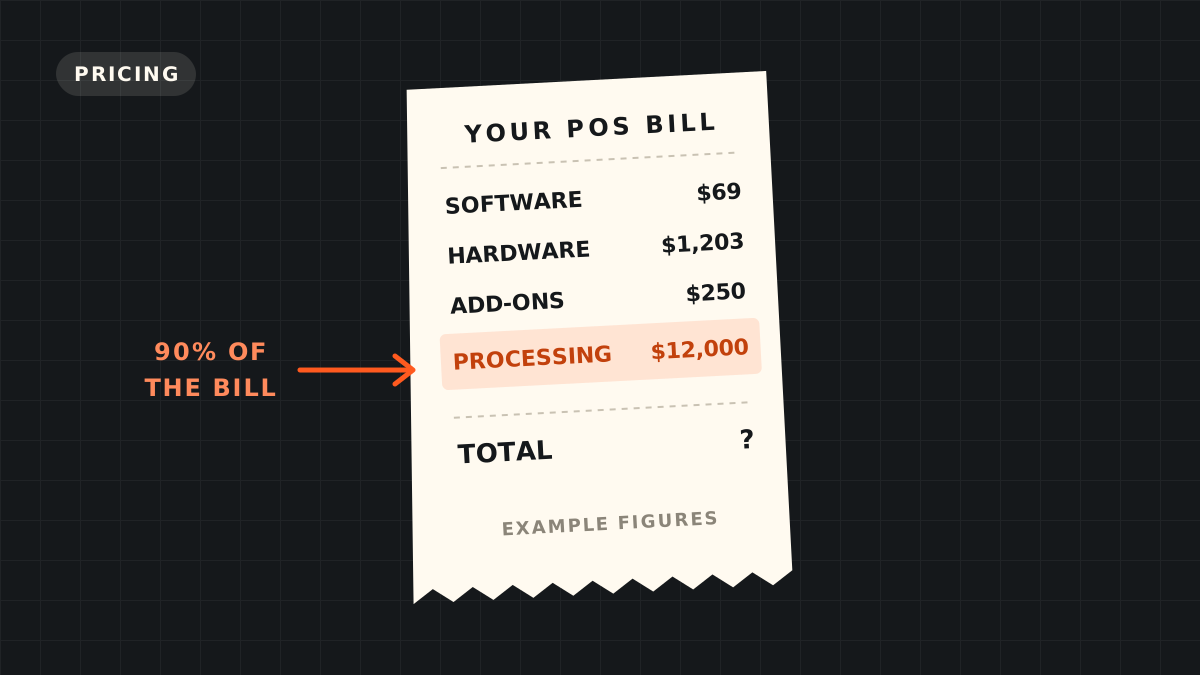
In short: $0 a month on the Starter Kit with a higher rate of about 3.09% to 3.69% + $0.15, or $69 a month and up on the Point of Sale plan at about 2.49% + $0.15. Hardware starts at about $1,203 for a countertop kit. Add-ons, onboarding and delivery cost extra. Processing is 80% to 90% of the yearly bill for most restaurants.
The Toast pricing guide has the full plan and hardware tables and the volume where the $0 plan costs more. The Toast fees guide lists every other charge.
Toast vs the alternatives
| If you want | Look at | Why |
|---|---|---|
| No contract, cheap start | Square | Published rates, no contract, runs on iPads. See Toast vs Square |
| Published rates with a month-to-month option | SpotOn | Essentials plan is month-to-month. See Toast vs SpotOn |
| A bar that lives on tabs | Several | See best POS for a bar that runs tabs |
| A side-by-side of the field | All | See the POS comparison grid |
Our verdict
Toast is the strongest all-round POS for full-service restaurants and small groups, and the reviews back that up on features, ease of use and hardware. Its weak points are commercial: a multi-year contract, quoted rates that can rise, and add-ons that make the bill grow. None of those are reasons to skip it. They are reasons to negotiate it.
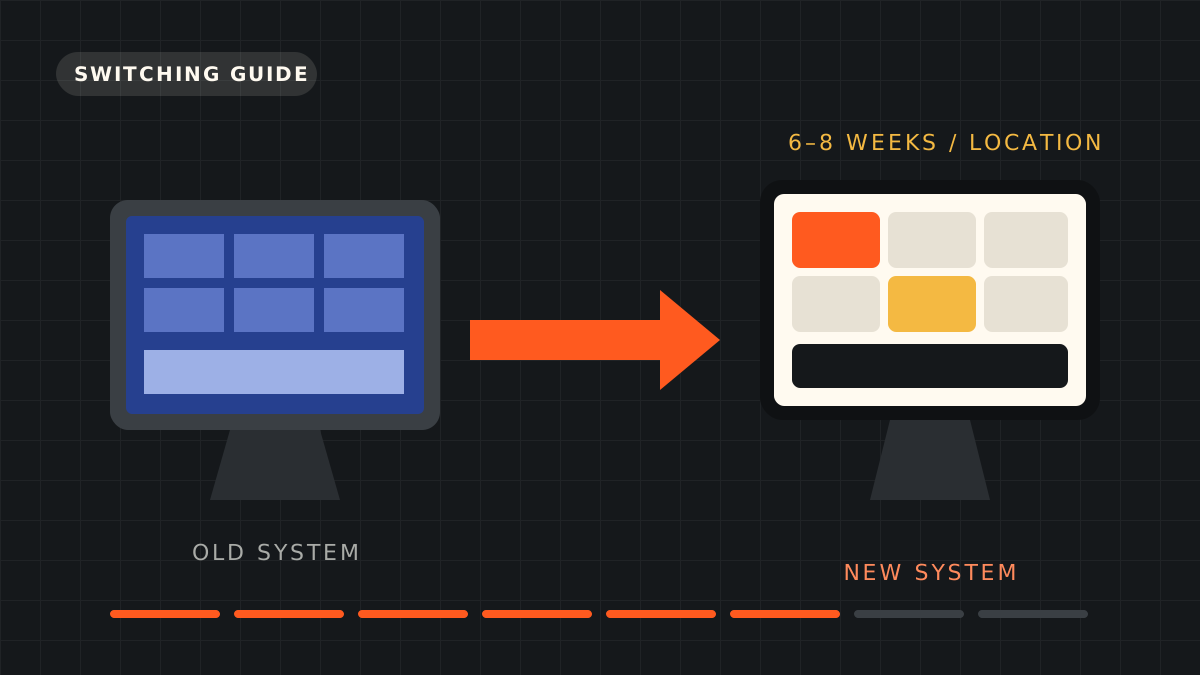
Before you sign, get five things in writing: your processing rate on your real card mix, whether that rate is fixed for the term, the all-in monthly figure with every add-on, the onboarding cost, and the early termination amount in dollars. If you are switching from another system, the POS migration checklist covers the steps in order.
Common questions
Is Toast a good POS system?
For full-service restaurants and groups, yes. NerdWallet rates it 4.4 of 5 and Merchant Maverick 4.3, with top scores for features and ease of use. Its weak points are contracts, pricing and support, which Capterra users rate 3.7 of 5.
What are the main complaints about Toast?
Long contracts and early termination fees, rates that can rise mid-contract, add-on costs, support wait times and pushy sales. These come from Merchant Maverick's and Capterra's user review summaries.
Who should not use Toast?
Small cafés, coffee shops, food trucks and new concepts that cannot commit to a two- to three-year contract. NerdWallet suggests Square for cafés and coffee shops.
Does Toast have a contract?
Yes, usually two to three years, with automatic renewal for another year. Leaving early means paying the remaining software fees plus any processing commitment.
Is Toast support available 24/7?
Yes. NerdWallet lists 24/7 chat and phone support every day from 7 a.m. to midnight Eastern. User ratings of support are mixed.
How much does Toast cost a month?
$0 on the Starter Kit with a higher processing rate, or $69 a month and up on the Point of Sale plan, plus add-ons. See our Toast pricing guide.
Sources
- NerdWallet: Toast POS review (Aug 2026)
- Merchant Maverick: Toast POS review (Jan 2026)
- Capterra: Toast POS reviews (554 reviews, Sep 2026)
- POS USA: Toast POS pricing (Jun 2026)
- Merchant Insiders: Toast fees explained (Mar 2026)
- Toast: Pricing
Disclosure: we are referral partners for Toast and SpotOn. If you request a quote through a link on this page and become a customer, we may receive a fee at no cost to you. Partner fees do not change what we recommend. How we make money.